 English
A manual air coupler normally requires the operator to move the sleeve as part of connecting the plug. A push-to-connect coupler accepts the specified plug without that separate sleeve action during insertion. This difference can matter at a workstation, but it does not establish the coupling profile, flow capacity or release protection.
When comparing a manual vs automatic air coupler, evaluate the operator’s task and the approved mating pair first. “Automatic” in this context describes connection behaviour; it does not mean an electrically controlled valve or a coupling that identifies incompatible plugs.
The same profile can use different connection mechanisms
The supplied Parker Pneumatic Quick Coupling Interchange Guide lists its 20 Series as manual and its 30 Series as push-to-connect under Standard Industrial Interchange. It also lists push-to-connect Tool-Mate and E-z-mate examples, with exhaust and sleeve-lock features identified separately. That layout is useful because it separates profile, sleeve operation and optional functions.
Dixon’s DF-Series pages likewise distinguish D-Series automatic and F-Series manual industrial-interchange couplers. Their material and pressure tables are configuration-specific. The labels “manual” and “automatic” should therefore remain separate from the fields used to approve materials and ratings.
If your store-room description says only “industrial air hose quick connect,” it leaves the mechanism unresolved. Use the M-style industrial fitting guide to identify the interface, then add the operating method to the purchasing description.
Compare the task at the actual installation point
A fixed socket at the edge of a bench offers a different working position from a loose hose end behind a machine. The useful comparison is whether the operator can reach, align and control the connection with the required protective equipment in place.
| Workstation question | Manual sleeve design | Push-to-connect design |
|---|---|---|
| What must be reached during insertion? | The plug and the sleeve control | The plug and a way to support the socket |
| What clearance should be checked? | Space for the specified sleeve travel | Space for alignment and full insertion |
| What proves correct engagement? | The model’s specified engagement check | The model’s specified engagement check |
| Is exhaust before release included? | Check the exact model | Check the exact model |
| Will the existing plug work? | Confirm profile, size and approved pairing | Confirm profile, size and approved pairing |
Use a de-energized fit and access review before the controlled functional assessment required by your acceptance procedure. Record where the coupling will be mounted and whether nearby guards, brackets or other hoses interfere. Do not bypass a guard to make a convenient coupling fit.
Keep the release function on a separate line
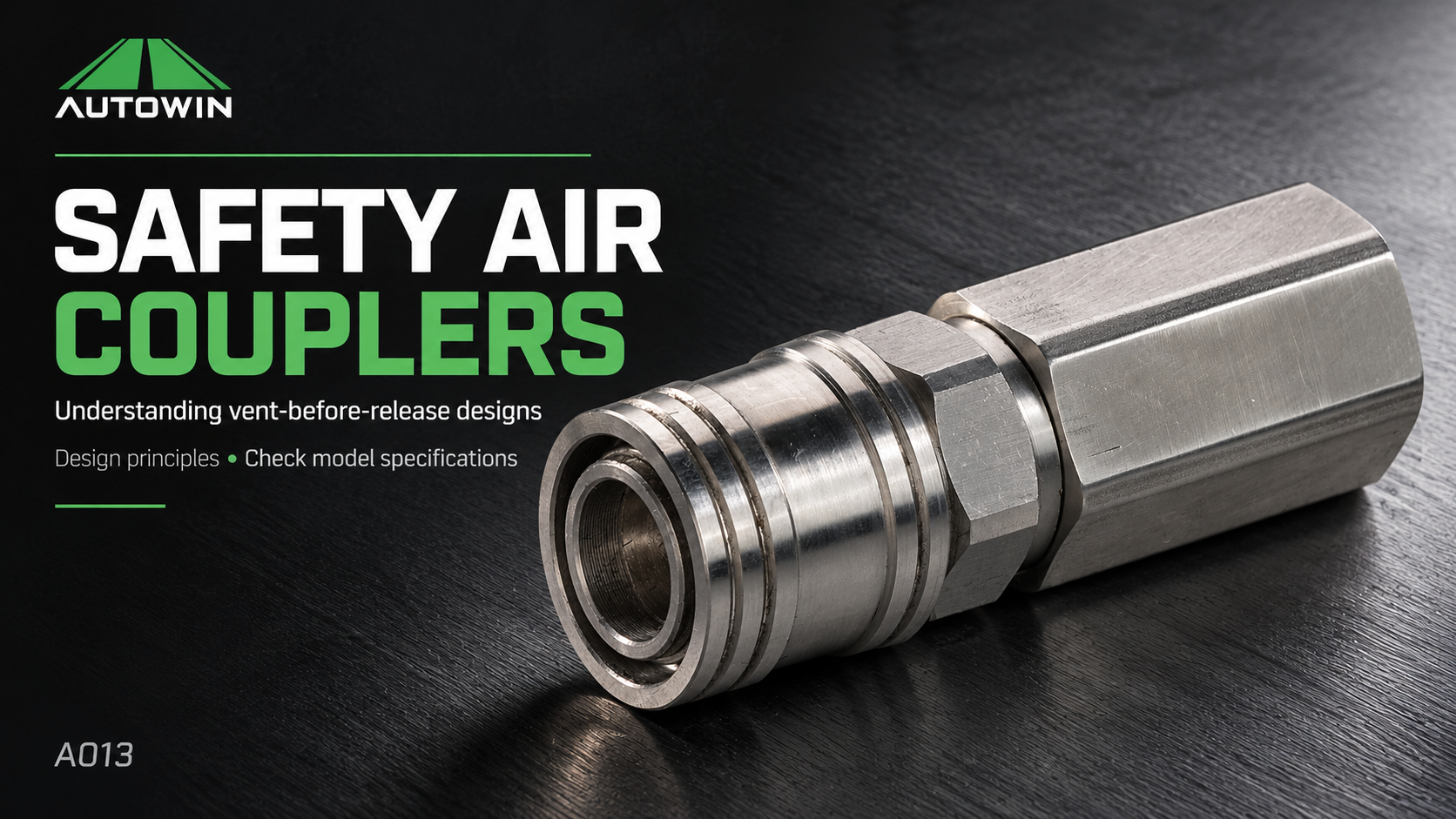
A push-to-connect label describes insertion. It does not promise that downstream pressure is released while the plug remains retained. Likewise, a sleeve-lock option addresses unintended sleeve operation but does not, by itself, prove a venting stage.
Ask the supplier to provide the disconnecting instructions for the offered part number. If controlled exhaust is required, put that requirement on its own line in the RFQ and request the applicable mating-part list. This prevents a standard and an exhaust version being treated as equivalent merely because they share a profile.
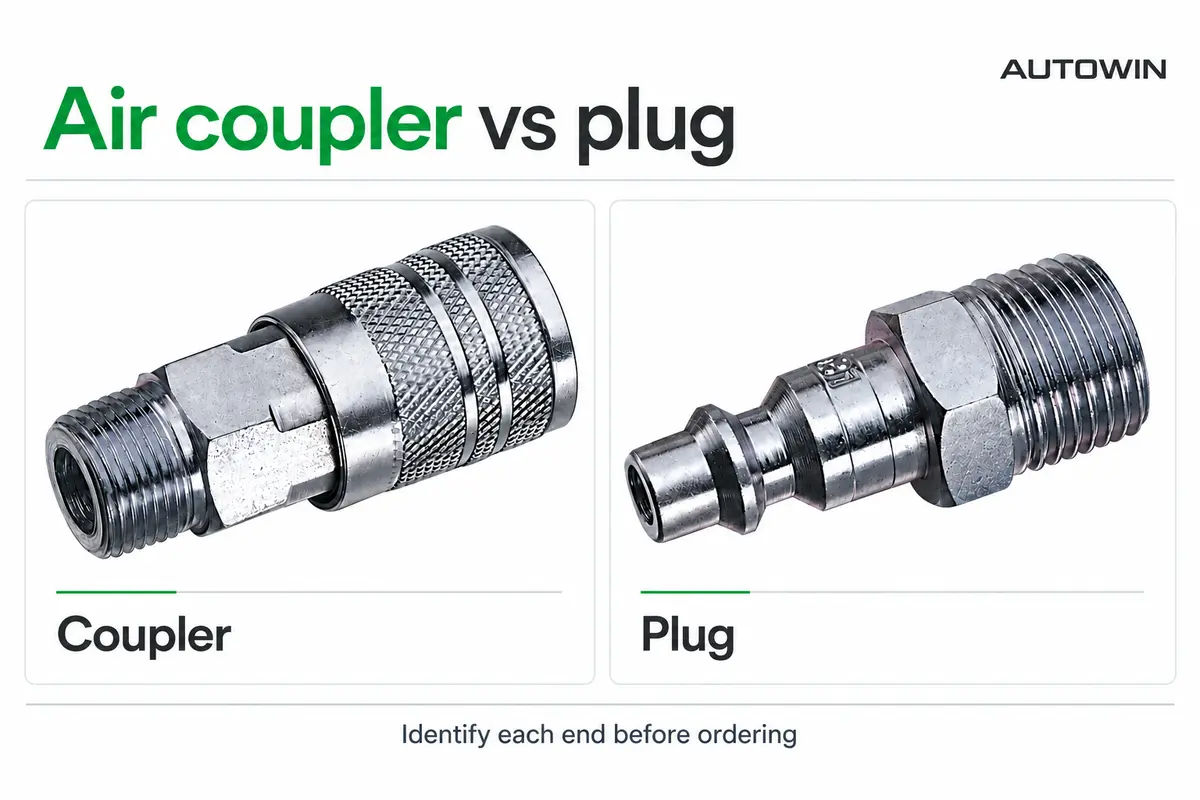
For quick connect air fittings, specify three independent features: the mating interface, the connecting action and the release behaviour. The air coupler versus plug guide can help your team name the two halves consistently.
A useful description for repeat purchasing
An OEM enquiry should name the coupling family and approved plug drawing, identify manual or push-to-connect operation, and state whether a particular venting or sleeve-lock function is required. Add body size, end thread, hose connection, medium, working conditions and the flow evidence needed for approval.
For wholesale air couplers, distinguish the variants on the order line and carton label. A generic product photo is inadequate when two sockets look similar but operate differently. Keep the accepted sample and current specification linked to the order, rather than using an unlabelled sample as the only reference.
Ask an air coupler manufacturer to confirm any substitutions before replenishment. A change to the sleeve, plug material or release mechanism should be visible to the buyer even when the external thread remains unchanged.
Three common terminology questions
Is push-to-connect the same as a push-in tube fitting?
No. This article concerns a socket that connects to a matching quick-coupling plug. A push-in tube fitting grips and seals around specified tubing. They are different interfaces, even when product listings use similar wording.
Is an automatic coupling always faster in use?
Not necessarily. Access, alignment, mounting and the operator’s task affect handling. Assess the actual workstation; do not put an unsupported time-saving percentage in the purchasing case.
Can manual and automatic couplers share plugs?
Some documented series use a common interchange profile. Confirm the listed series, body size and any material or functional restrictions. A shared profile name is not approval for every product carrying it.
Return to the complete air hose fittings guide to compare the other selection factors. Browse AUTOWIN’s couplers and plugs, or submit the workstation layout through our OEM enquiry page for a specification review.
Download this guide
Keep the complete guide, comparison table and technical references for your next specification review.
Download PDF (4 pages · 2.5 MB)
Source documents
- Parker Pneumatic Quick Coupling Interchange Guide, physical PDF pages 1–2: profile, sleeve operation and feature distinctions.
- Dixon 2026 Quick Coupling Catalog, physical PDF pages 22–24: DF-Series manual and automatic variants. Published ratings belong to the stated configurations.